
 Create a Student Account

READ TIME:
0:41
0:41
Following on from my previous post - Making Supplier Models Work for You - I thought I’d share with you a slightly more advanced technique, by throwing Variables into the mix.
Once you have your supplier model in Onshape, how do you make it parametric so that you can change it at will? The answer is: Direct Editing with Variables.
In the video above, I walk you through the steps of how to modify the hydraulic cylinder model and add a variable to control the stroke length. Beware, this is not for the faint-hearted, but stick with it to see the cool little trick with assembly mates at the end.
If you know a better way to do it, please let me know in the comments section below.
Enjoy!
Latest Content
- Blog
- Becoming an Expert
- Assemblies
- Simulation
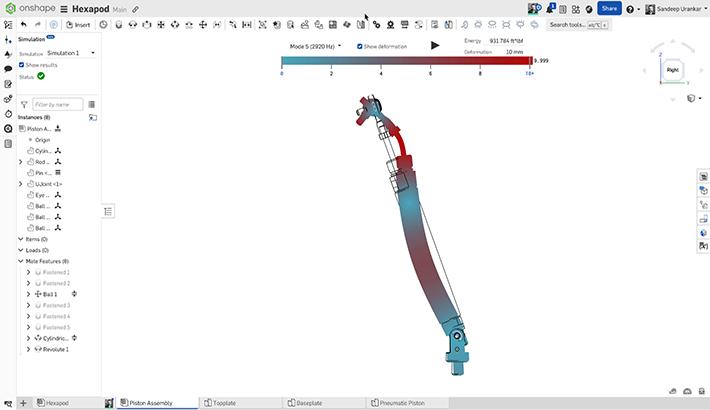
Mastering Kinematics: A Deeper Dive into Onshape Assemblies, Mates, and Simulation
12.11.2025 learn more
- Blog
- Evaluating Onshape
- Learning Center
AI in CAD: How Onshape Makes Intelligence Part of Your Daily Workflow
12.10.2025 learn more
- Blog
- Evaluating Onshape
- Assemblies
- Drawings
- Features
- Parts
- Sketches
- Branching & Merging
- Release Management
- Documents
- Collaboration
Onshape Explained: 17 Features That Define Cloud-Native CAD
12.05.2025 learn more


